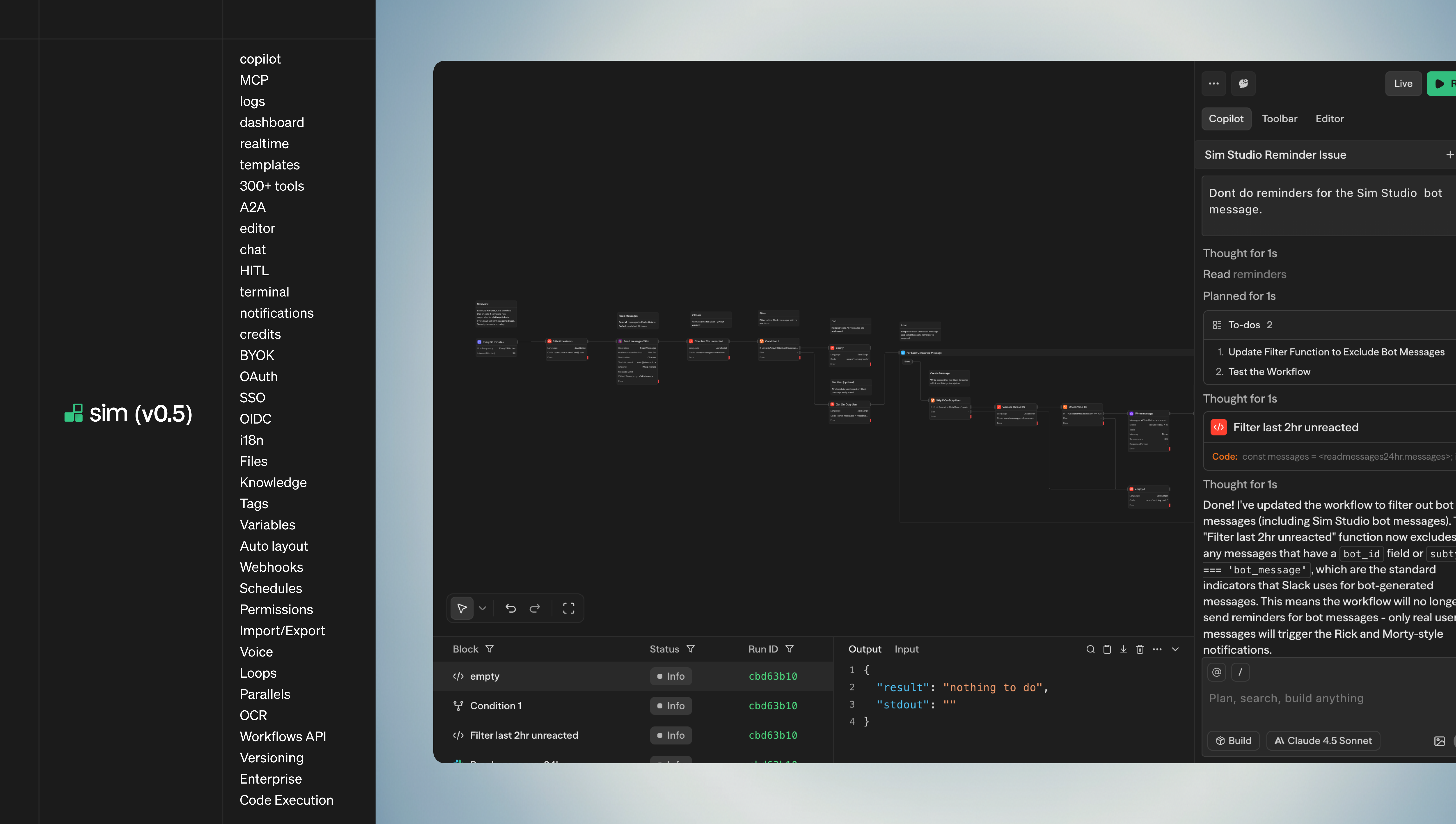
When we started building Sim, we noticed that AI workflow development looked a lot like the design process Figma had already solved for. Product managers need to sketch out user-facing flows, engineers need to configure integrations and APIs, and domain experts need to validate business logic—often all at the same time. Traditional workflow builders force serial collaboration: one person edits, saves, exports, and notifies the next person. This creates unnecessary friction.
We decided multiplayer editing was the right approach, even though workflow platforms like n8n and Make do not currently offer it. This post explains how we built it. We'll cover the operation queue, conflict resolution, how we handle blocks/edges/subflows separately, undo/redo as a wrapper around this, and why our system is a lot simpler than you'd expect.
Architecture Overview: Client-Server with WebSockets
Sim uses a client-server architecture where browser clients communicate with a standalone Node.js WebSocket server over persistent connections. When you open a workflow, your client joins a "workflow room" on the server. All subsequent operations—adding blocks, connecting edges, updating configurations—are synchronized through this connection.
Server-Side: The Source of Truth
The server maintains authoritative state in PostgreSQL across three normalized tables:
workflow_blocks: Block metadata, positions, configurations, and subblock values